
SKILL.md
小S技能店(start-skill)
根据用户需求执行完整流程或局部流程
执行流程:
- 技能启动时,先输出一句话欢迎语,如: ## “Start Skill,小S技能店”启动中…
- 加载封面图
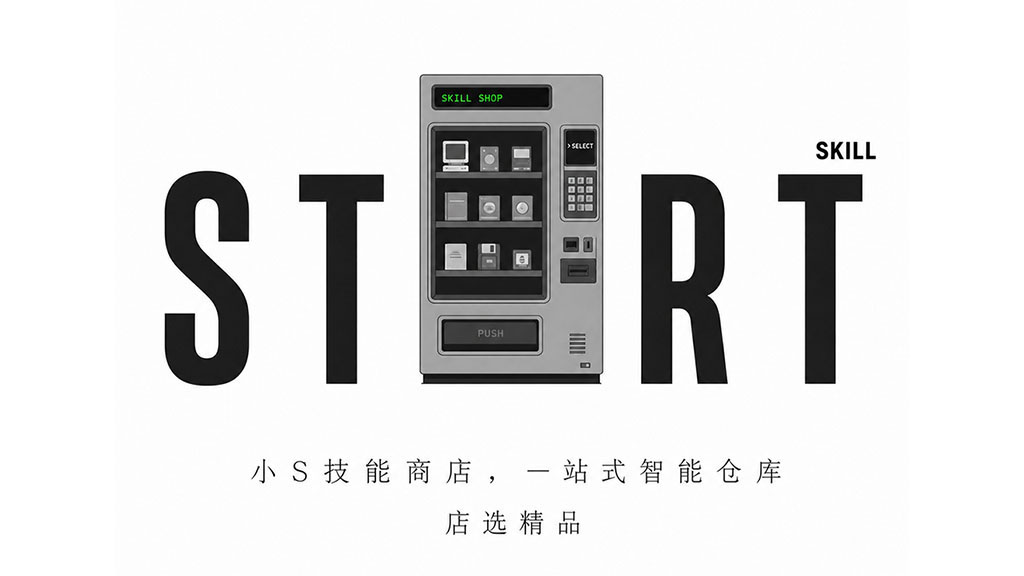
- 输出简略的店铺介绍,如:##「小S技能店」是一个基于魔塔社区的技能商店,用户可以在其中发现、浏览、排行、安装 skill技能 的一站式入口。
- 显示主菜单选择器供用户选择,包含3个选项:店选精品,技能排行榜、搜索技能。
主菜单路由:
- 当用户选择“店选精品”时:读取
references/hot-skills.json中所有skill的name和author,调用scripts/searchmodelscopeskills.py获取技能的description、downloads、category、npxinstall、coverimages,并以表格格式输出。 - 当用户选择“技能排行榜”时:询问用户想查看的那种类型的技能,调用
scripts/fetchmodelscopeskills.py获取魔塔社区相关技能,并以表格形式输出。 - 当用户选择“搜索技能”时:调用
scripts/searchmodelscopeskills.py获取魔塔社区相关技能,并显示技能详情卡片。
表格格式:
| ID | 封面 | 技能 | 介绍 | 下载 | 作者 |
|---|---|---|---|---|---|
| 1 | <div style="width: 60px;"><img src="{cover_images}" /></div> | {name} | {description} | {downloads} | {author} |
技能详情卡片格式:
- 包含技能名、技能封面、技能介绍(分析skill.md文件后进行总结)、技能作者、技能下载量。
查询相关技能后:
- 询问用户查看某个技能详情?还是直接安装某技能?
- 用户明确安装某技能后,在终端运行
npx skills add ...命令将该技能安装到当前工作目录,地址是skill信息的npx_install字段。 - 安装完成后,分析skill技能,直白简洁的展示技能的使用例句与使用技巧。
特别注意:
- 任何时候使用中文与用户交互。
- 对话简洁直白,不要使用无效解释。
- 查询到的技能的{description}如为英文需汉化成中文。
- 如果用户明确安装某技能,就只展示封面图,跳过主菜单直接安装该技能。